
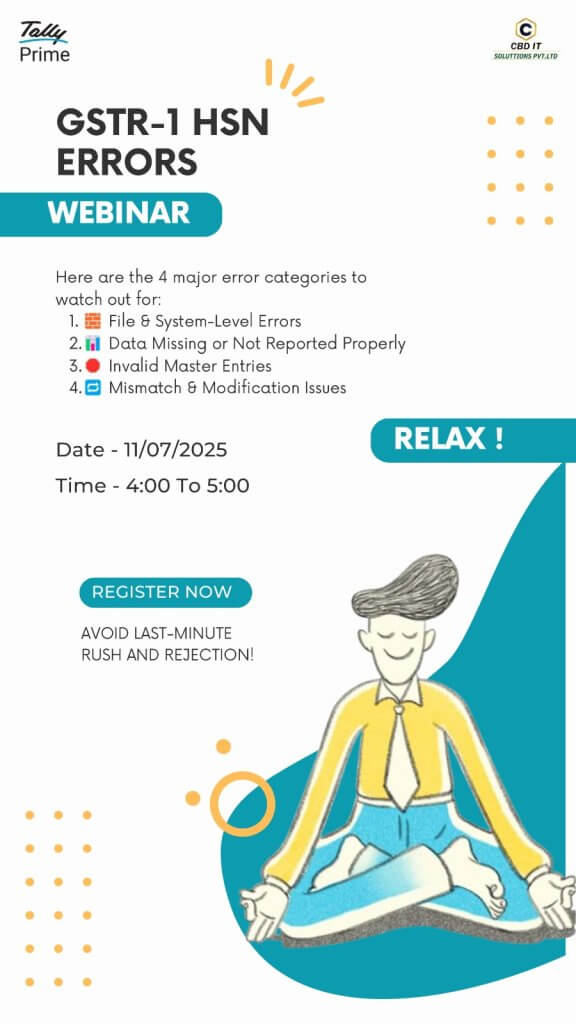
GSTR-1 HSN ERRORS
“Common HSN Code Errors in GSTR-1 Return Filing”
File/System Errors
Common Causes of File/System Errors in Tally Prime:
1. Improper system shutdown or power failure.
2. Corrupted Tally data (e.g., due to virus/malware or bad sectors on hard drive).
3. Network path issues (if the data is hosted over LAN or external storage).
4. Incompatible or outdated Tally version.
5. Insufficient permissions for the folder where the data is stored.
6. File-level conflicts (e.g., .tsf, .900, .tp, .txn files corrupted or missing).
Missing or Unreported Data
"Missing or Unreported Data" with file/system errors in Tally Prime means some company data is damaged or incomplete—often due to sudden shutdowns, disk issues, or file corruption. Tally can’t read all required data, causing transactions or ledgers to disappear. To fix it, use Tally’s Ctrl + Alt + R (Rewrite) at the company selection screen, or restore from a backup. If that fails, contact Tally Support for data repair. Avoid using or overwriting the damaged data folder before recovery.
Invalid master entries
The "Invalid master entries" error in Tally Prime indicates damaged or incomplete master records (like ledgers or stock items), often caused by file corruption, abrupt shutdowns, or sync issues. This can prevent the company from loading or cause features to malfunction. Tally blocks access to avoid further damage. A data rewrite using **Ctrl + Alt + R** usually fixes it, but if not, restoring a backup or contacting Tally Support is recommended. Avoid manually editing or copying the data folder, as it may worsen the issue.
Incorrect or Modified Transactions
When Tally Prime shows a File/System error related to "Incorrect or Modified Transactions," it means some vouchers or transaction records have become corrupted, partially saved, or altered in a way that breaks their internal structure. This can happen due to system crashes, forced shutdowns, disk errors, or if files were manually tampered with. Tally uses a strict format to store every transaction. If any part of that format is missing or altered—such as a broken date reference, missing ledger, or incorrect amounts—Tally can't process those entries, leading to this error. As a result, you may be unable to open the company, access reports, or post new entries. To fix this, Tally offers a data rewrite utility that tries to clean up and correct these issues automatically. If that doesn’t work, restoring from a backup or getting expert help to repair the data files is often required. It’s important not to overwrite the existing data or try manual edits, as that could cause further loss. Regular backups are the best safeguard against these kinds of errors.
Conclusion
File/System Errors in Tally Prime usually indicate data corruption or structural issues in the company data files. These errors can occur due to improper shutdowns, disk failures, power loss, or file tampering. Common types include: 🔸 Missing or Unreported Data – Indicates partial loss or corruption of transaction or master data, making some records invisible or unreadable. 🔸 Invalid Master Entries – Happens when master records like ledgers or stock items are damaged or improperly linked, causing Tally to block access or crash. 🔸 Incorrect or Modified Transactions – Suggests that some vouchers are altered or broken, leading to calculation errors, incorrect reports, or system-level failures.
Customized solutions of CBD IT
Our team exemplifies brilliance in distinct industries using flexible and customized solutions. We adhere to Provide excellent quality and timely services to all our clients effectively and efficiently. We keenly focus on customer satisfaction and the service we are providing.
- Party wise pervious balance
- HSN & GST rate in columnar
- Stamp & sign
- Auto mail outstanding
- Auto mail sales register & voucher
- Master import
- Bank statement import
- Scheduler Auto backup
- Cost Center wise P & L Balance sheet
- MSME number in sales invoice
To know more details CLICK HERE

