
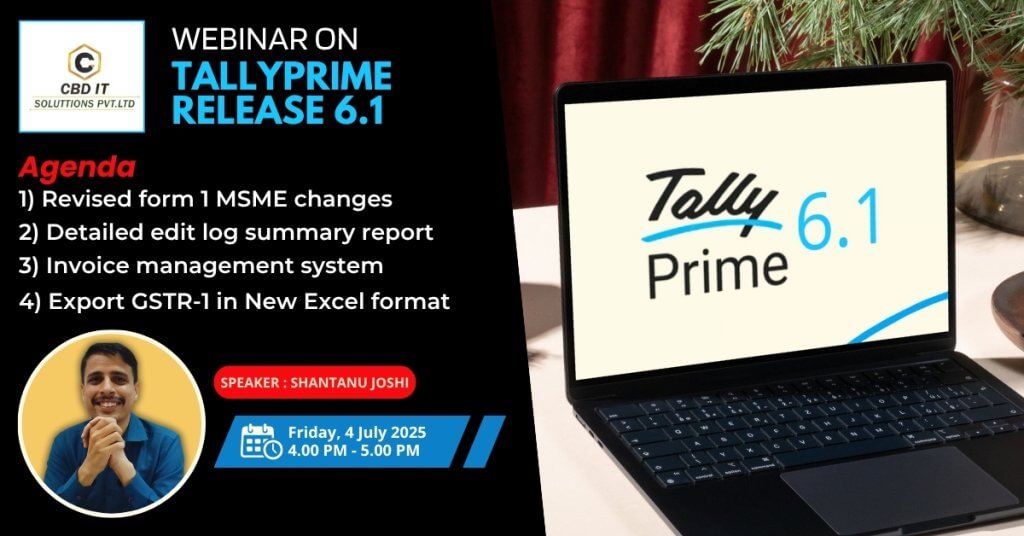
Webinar on Tallyprime Release 6.1
“Future-Proof Your Business: What’s New in TallyPrime 6.1”
Revised Form-1 MSME Changes
The revised MSME Form 1 in TallyPrime focuses on enhanced data fields and a more detailed reporting format to improve oversight of delayed payments to Micro, Small, and Medium Enterprises (MSMEs). Key changes include expanded vendor details, segregation of dues based on payment timelines, mandatory reasoning for delays, and digital verification. TallyPrime now streamlines the process of generating and filing this form by automating data compilation, providing a supplier-wise summary, and enabling seamless export to the MCA's Excel template.
Detailed Edit Log Summary Report
Points About Edit Log in TallyPrime:
1.Purpose – Tracks all changes (create, modify, delete) in data for audit and security.
2.Access – Gateway of Tally > Display More Reports > Exception Reports > Edit Log.
3.Filters – View by date, user, company, transaction type, or action (created/altered/deleted).
4.Details Shown –
1. Timestamp, user name, action type
2. Voucher/master name, old & new values
3. Remote/data import changes flagged
5.Export Options- Print, PDF, Excel, or email for audit records.6.Uses –Audit compliance, error tracking, security checks..
7.Note – Enable/disable via F12 Configuration; long logs may slow performance.
Invoice Management System
An Invoice Management System (IMS) refers to the digital process of creating, tracking, customizing, and managing sales and purchase invoices. TallyPrime 6.1, developed by Tally Solutions, is a powerful business management software that supports a comprehensive invoicing system, designed for ease of use, compliance (including GST), and reporting efficiency.
Export GSTR-1 in New Excel Format
To export GSTR-1 in the new Excel format in TallyPrime, navigate to the GSTR-1 report, select the desired period, and press Ctrl+E to export. Choose "Excel (Spreadsheet)" as the file format, and configure other options like folder path and section-wise export as needed. Finally, press 'E' to export the data.
Conclusion
TallyPrime 6.1 significantly enhances business efficiency through its comprehensive Invoice Management System, enabling users to generate, track, and customize GST-compliant invoices with ease. The introduction of GSTR-1 export in the new Excel format ensures seamless compliance with the latest GST filing requirements, while updates to MSME Form-1 reporting reflect Tally’s commitment to statutory accuracy and government compliance. Additionally, the inclusion of a detailed Edit Log Summary Report strengthens transparency and auditability by tracking every change made to transactions and masters. Together, these features empower businesses with greater control, compliance, and confidence in their financial operations.
Customized solutions of CBD IT
Our team exemplifies brilliance in distinct industries using flexible and customized solutions. We adhere to Provide excellent quality and timely services to all our clients effectively and efficiently. We keenly focus on customer satisfaction and the service we are providing.
- Party wise pervious balance
- HSN & GST rate in columnar
- Stamp & sign
- Auto mail outstanding
- Auto mail sales register & voucher
- Master import
- Bank statement import
- Scheduler Auto backup
- Cost Center wise P & L Balance sheet
- MSME number in sales invoice
To know more details CLICK HERE

